
GagaClass Settings - Local Time
GagaClass Settings – Local Time
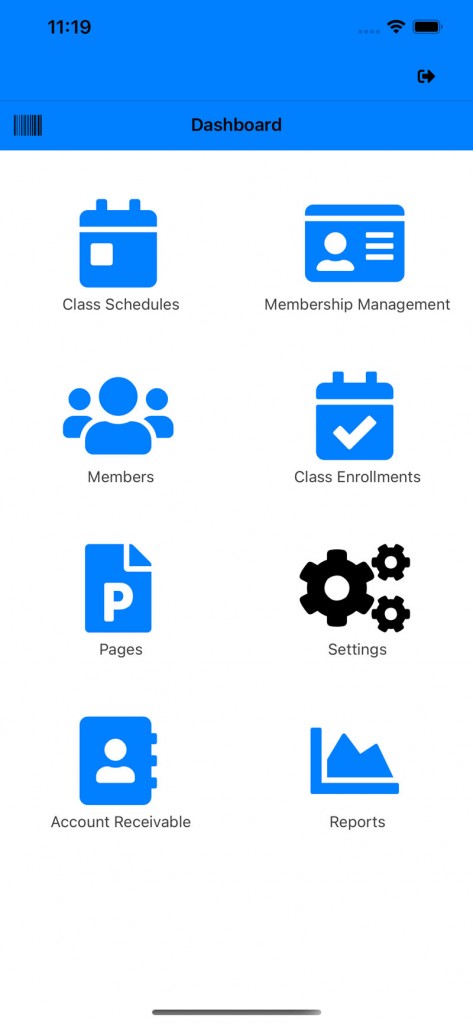
1.) Go to your Dashboard and click on “Settings”:
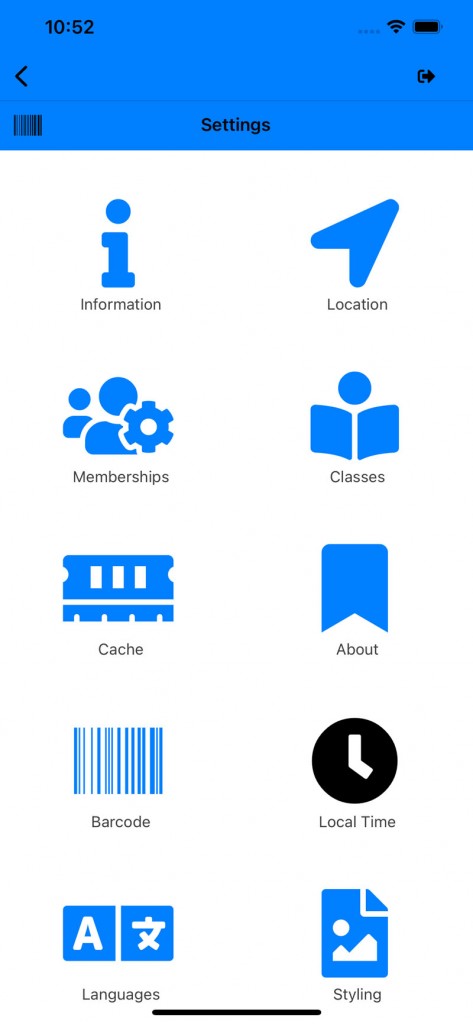
2.) Click on the “Local Time” icon:
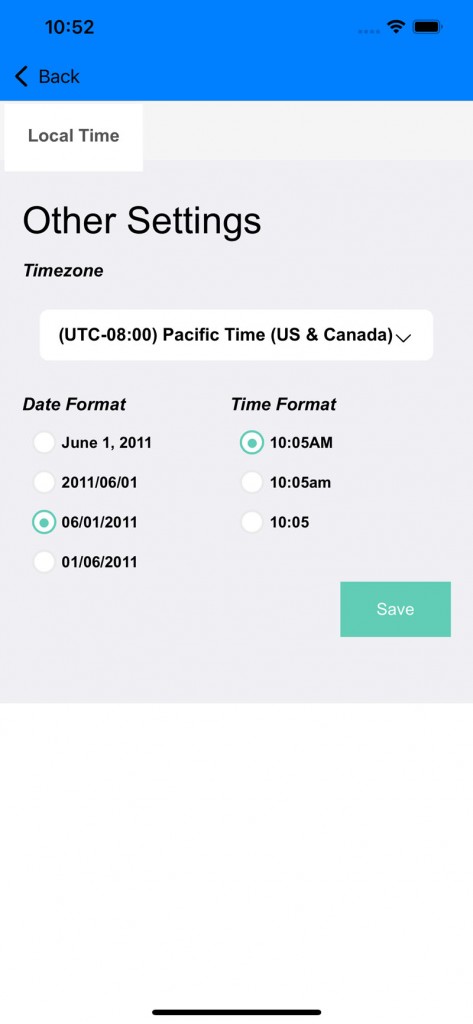
3.) Timezone is important to set because your classes and calendar is dependent on this. Set your timezone and date-time format:
*If you have any questions on technical questions you can contact support at customersuccess@fitsoft.com